
Visio OS · Sensors Layer
Connect any sensor.
Know the reality of your operation.
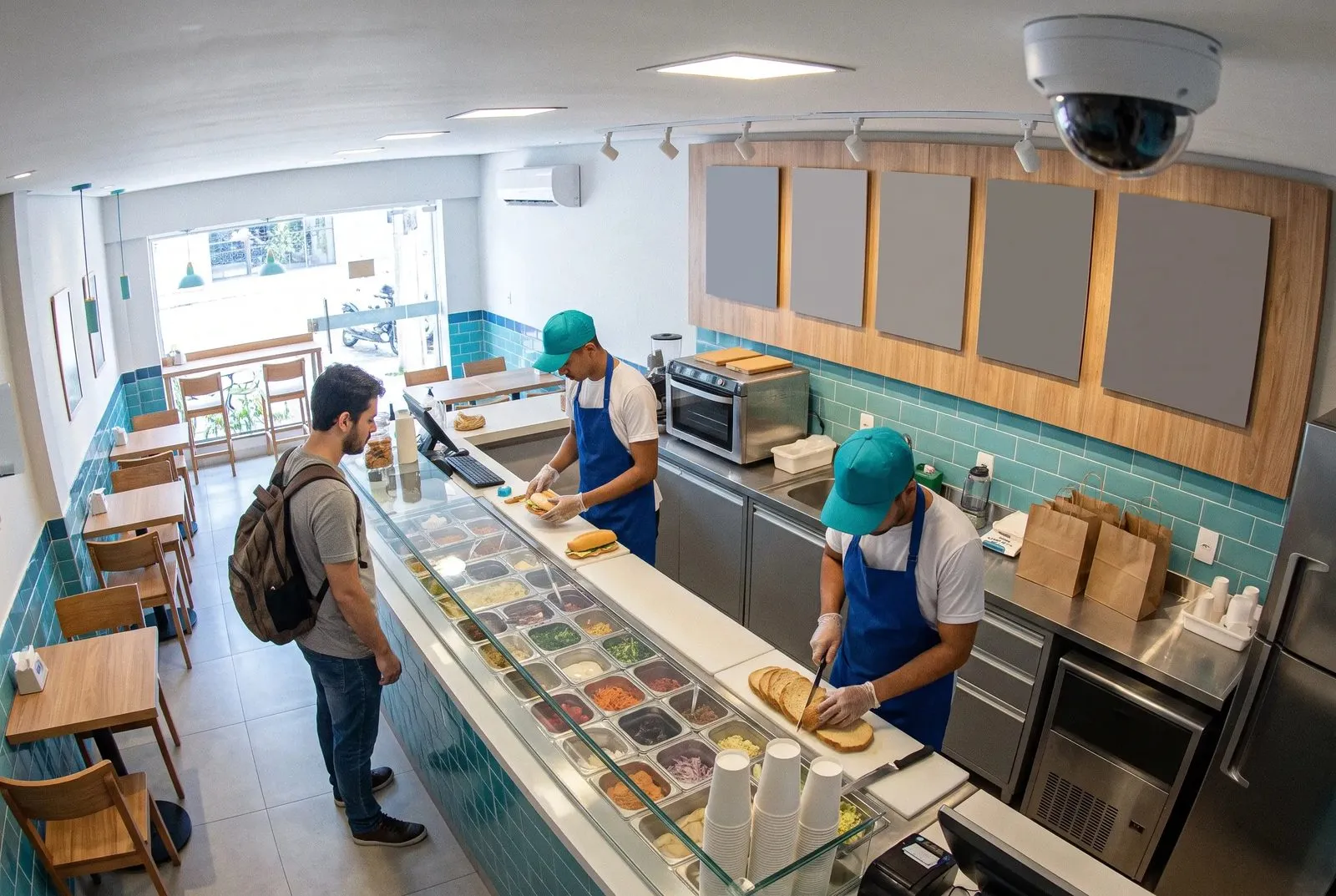
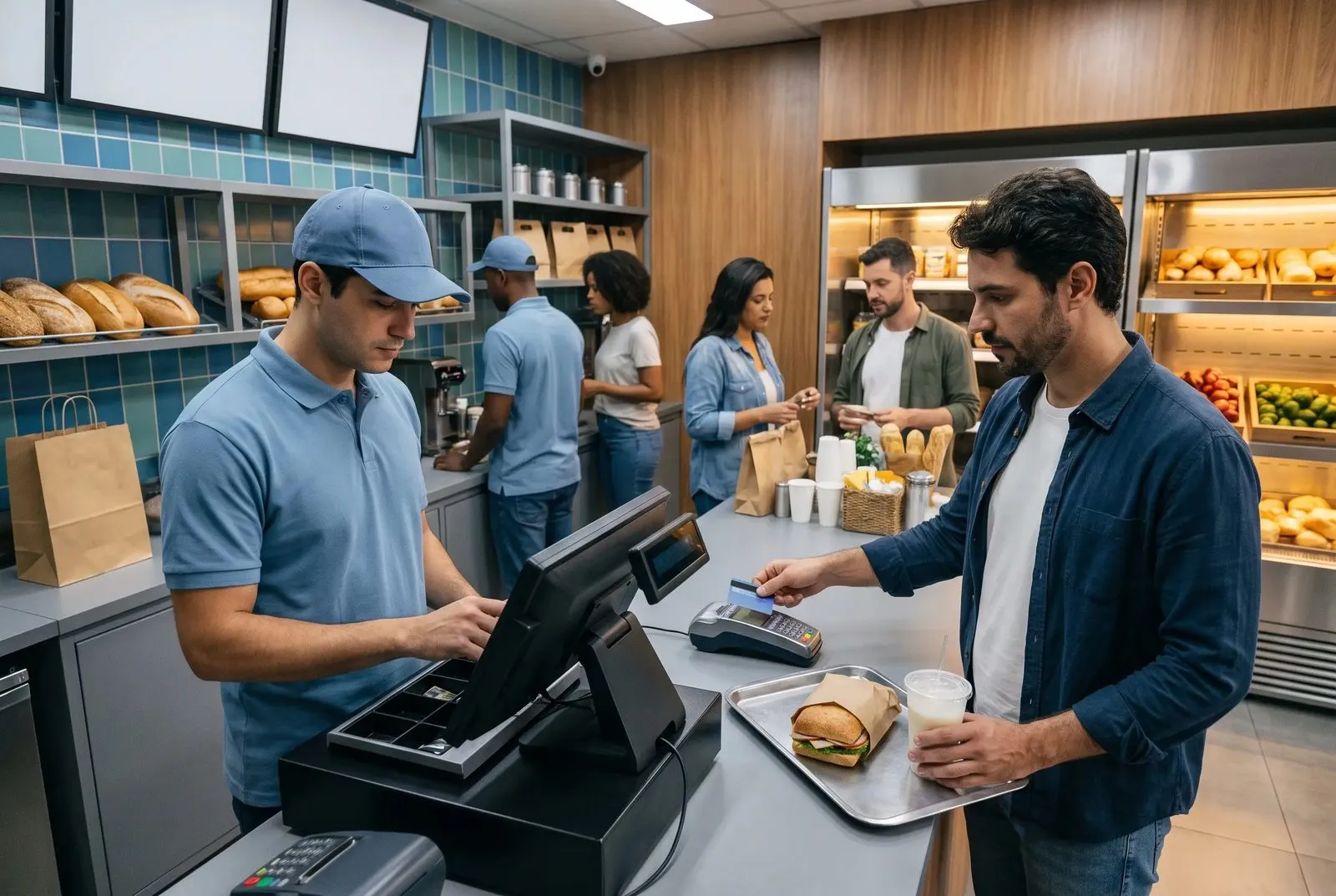
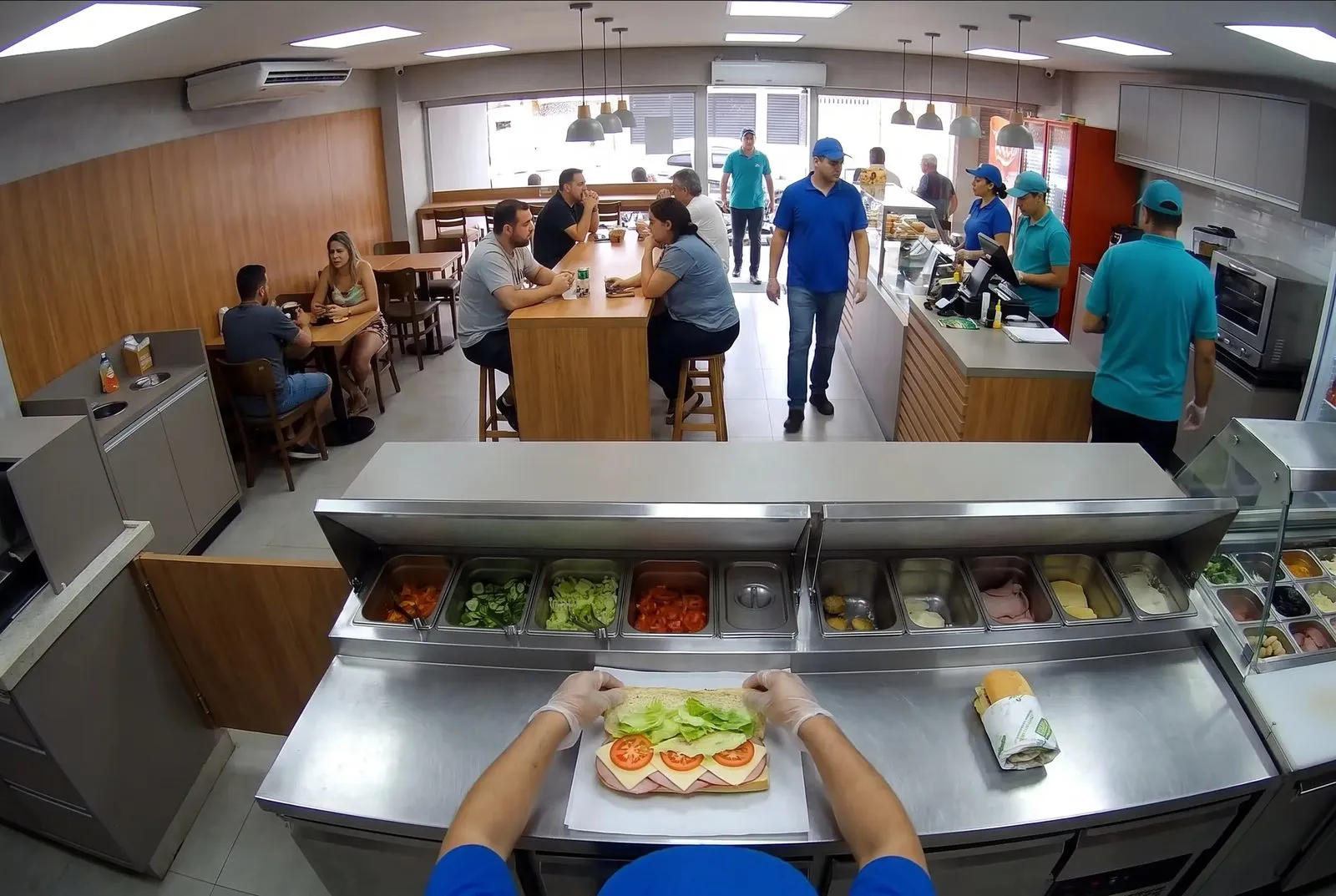
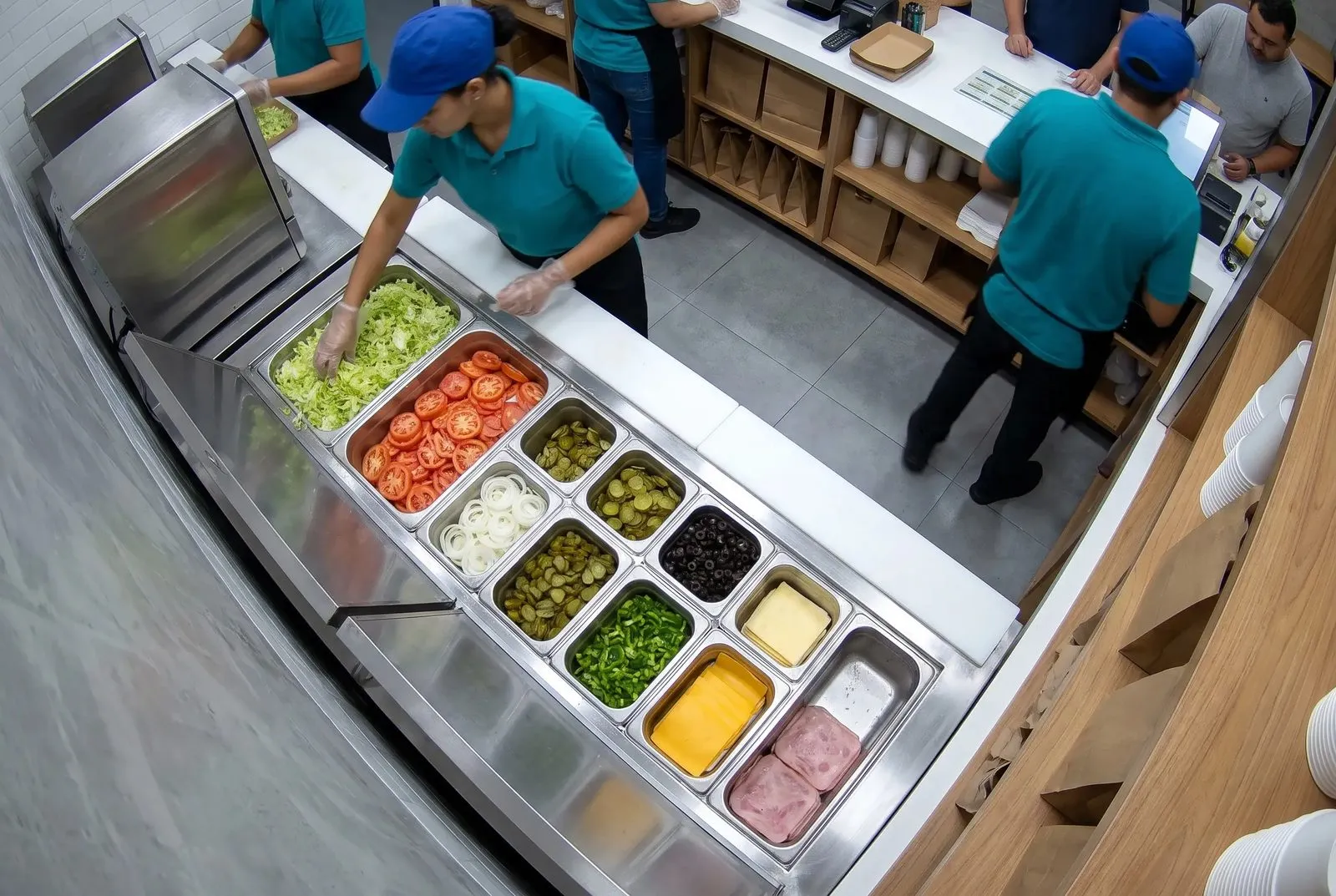
Connect your cameras and sensors and detect what you want to know about your store.
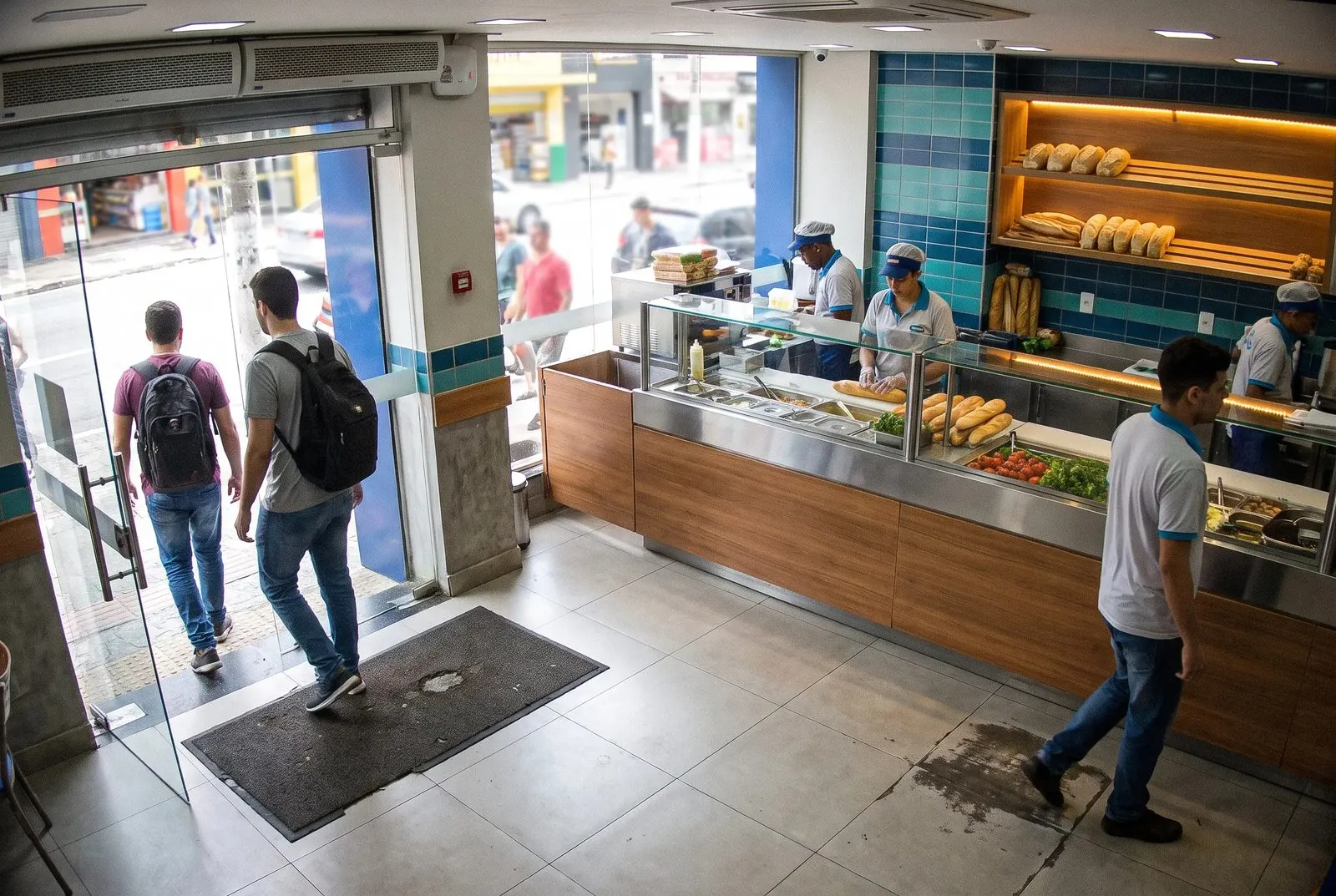
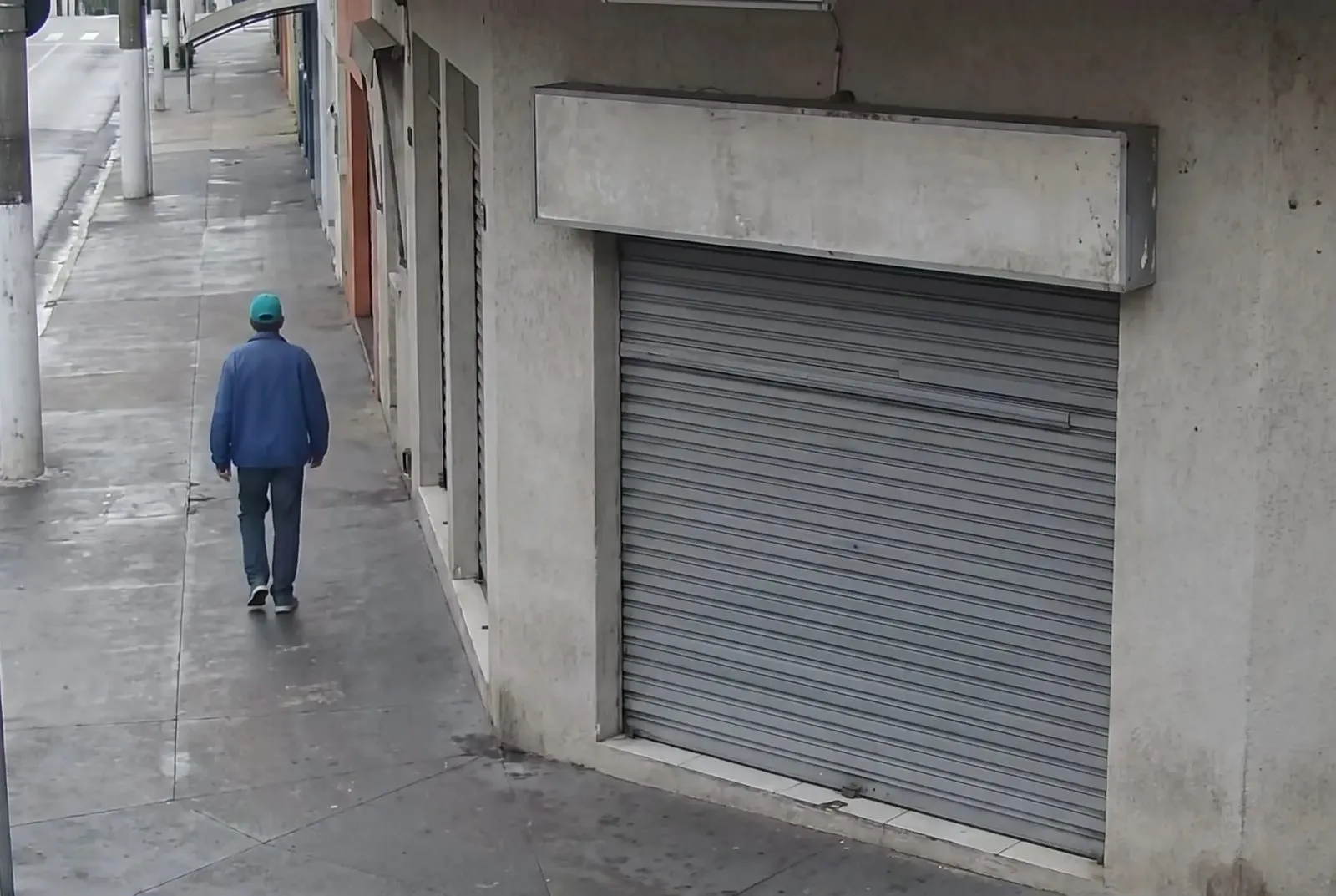
- footfall at the door
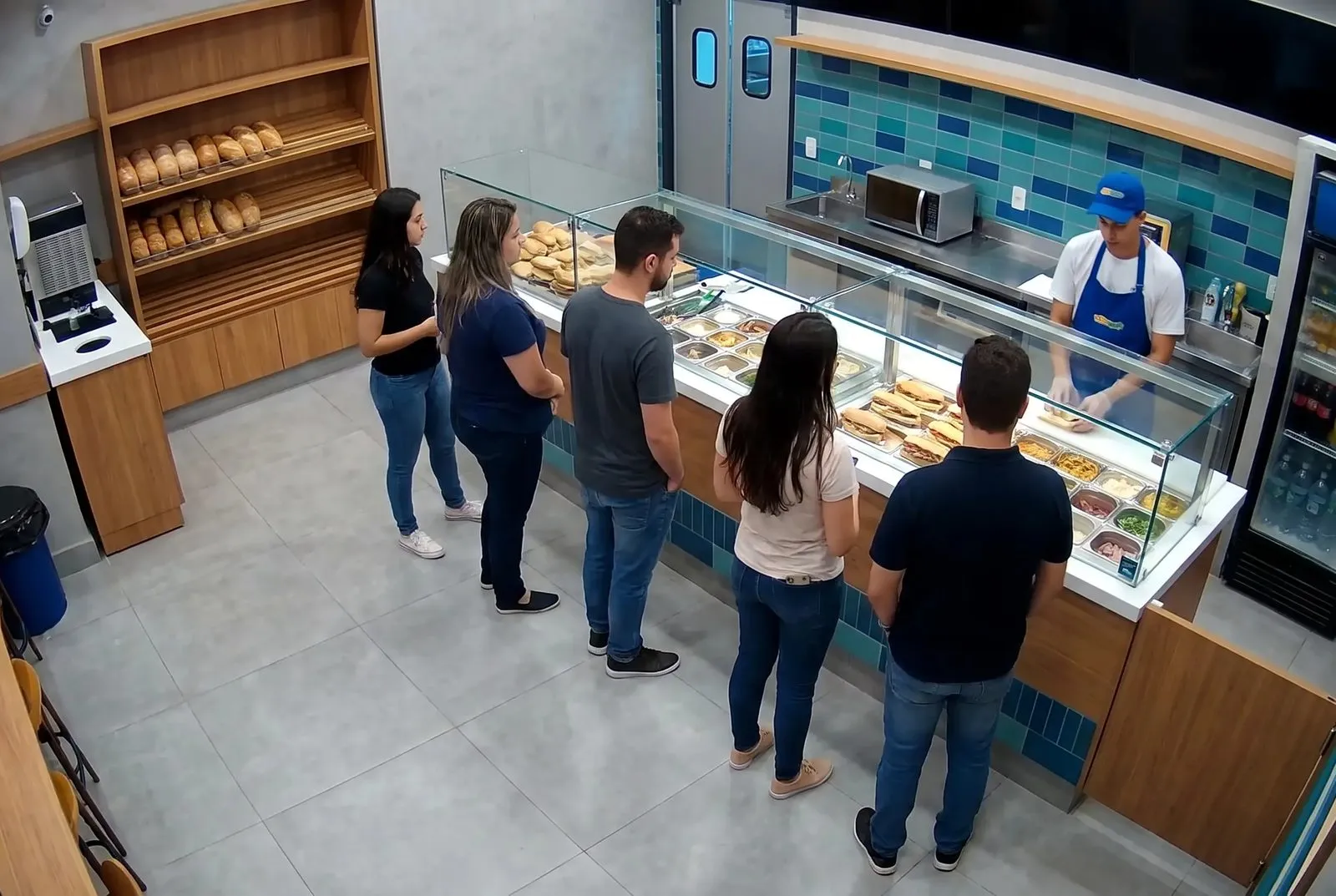
- queue length at the counter
- ingredient detection
- review of what happens at the checkout
You see what happens inside the store without being there.
Creating the data that exists in no system: camera, microphone, temperature sensor, anything that turns raw information from the physical world into structured data.
Connect your cameras and sensors and detect what you want to know about your store.
Send a video or an image
Access to computer vision and audio detection over API to build what you need.
From a question to a detection running, in four steps.
-
Connect a sensor, or a file
-
Describe what you want to watch
-
Visio Cortex builds the pipeline
-
Send the detection to your application
Visio Cortex builds the pipeline
The pipeline is built from a catalog of detections already running in stores, on top of the cameras you have, with the cost declared before it runs.
- Counter camera Source
- Detect people Models
- Track people Models
- Queue zone Spatial
- Your app Output
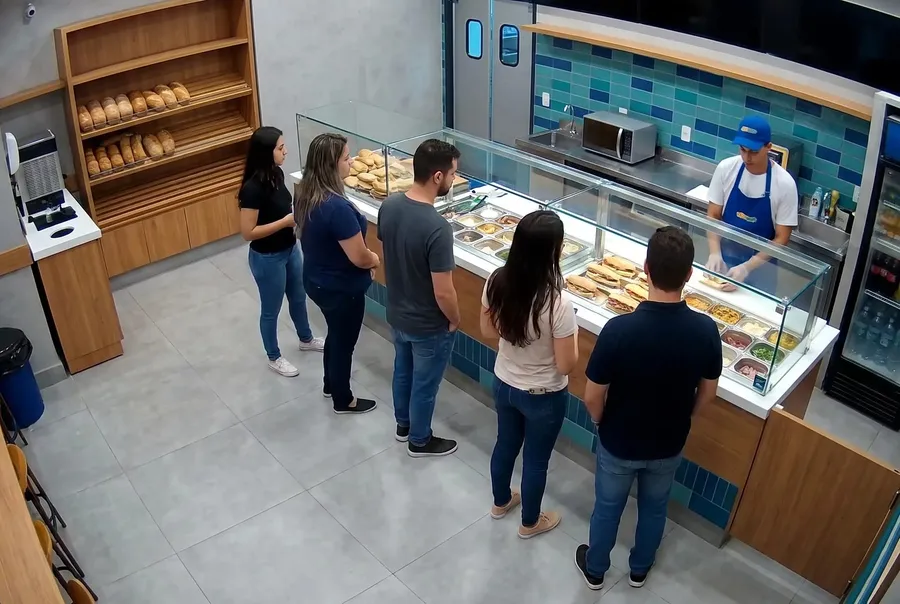
The data is connected to your app.
Queue past the limit: task for the manager
A new detection in a new store is configuration, not a project.
One catalog. Every question a camera can answer.
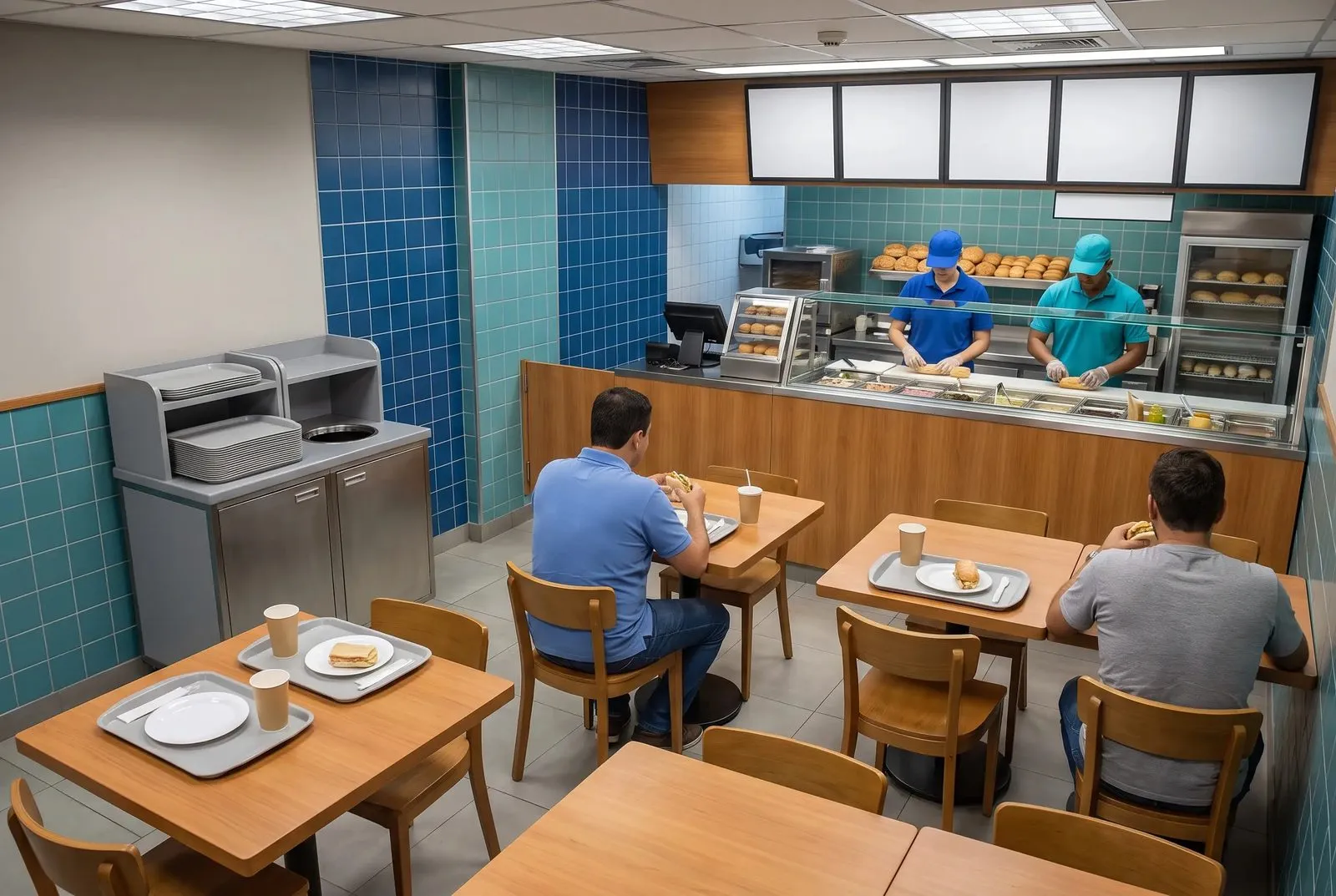
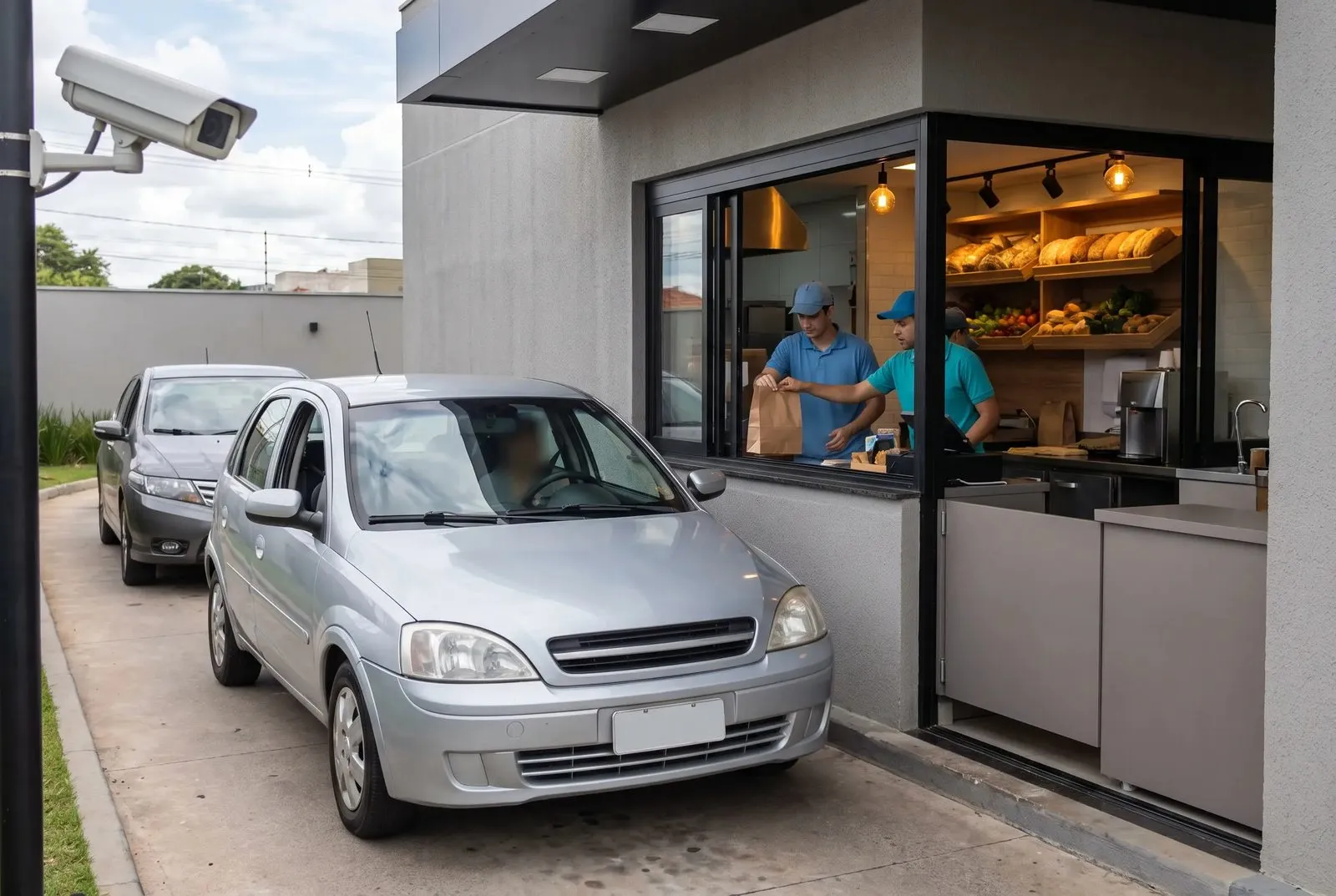
A catalog of detections
Send the detection to your application
- Visio Datalake
- Apps
- Alert triggers
Build apps that use camera detections
footfall at the door
One count per store, per hour, next to the sale.
queue length at the counter
When the queue passes the limit, a task for the manager.
For us this is a layer of algorithms you build to compose the data you have, so you can see or measure your store.